Mumble Connection
Mumble can be downloaded for various devices, see the official downloads page:
https://www.mumble.info/downloads/
The Big Green Button should automatically show the correct option on Desktop
To connect to the server, either click here or follow the instructions below
(Screenshots from Mac client, steps on other desktop clients should be similar enough)
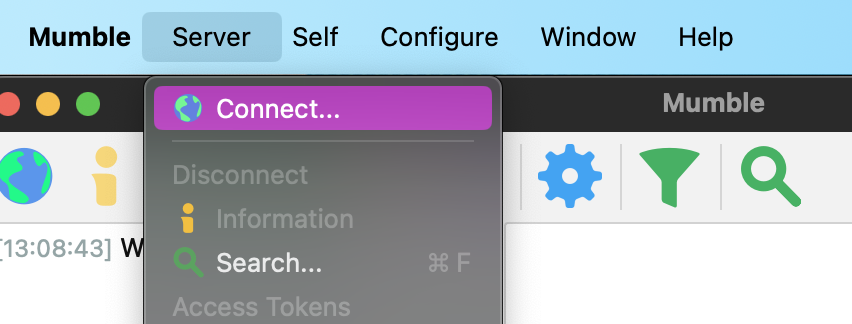
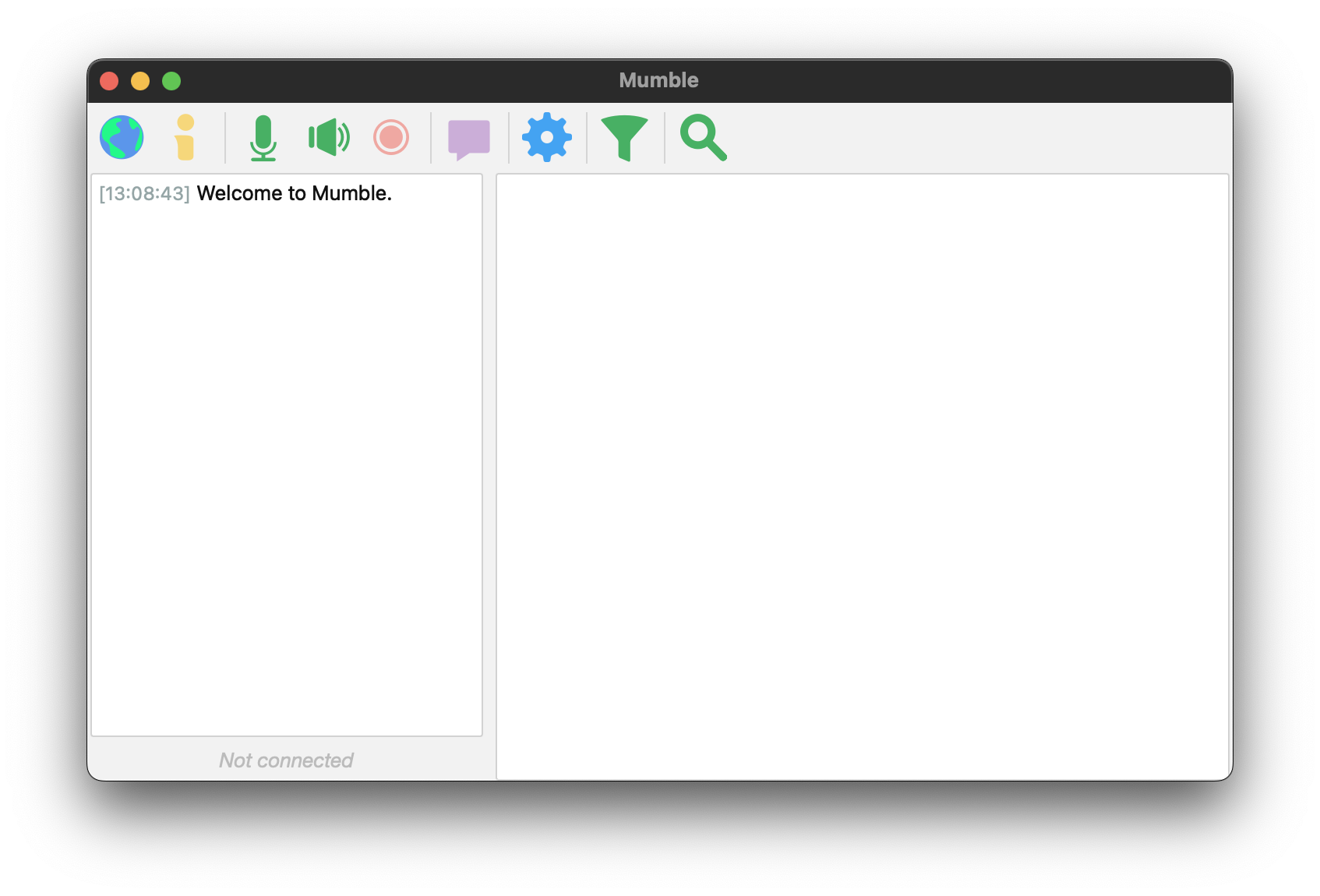
Open Mumble:
Select Server > Connect
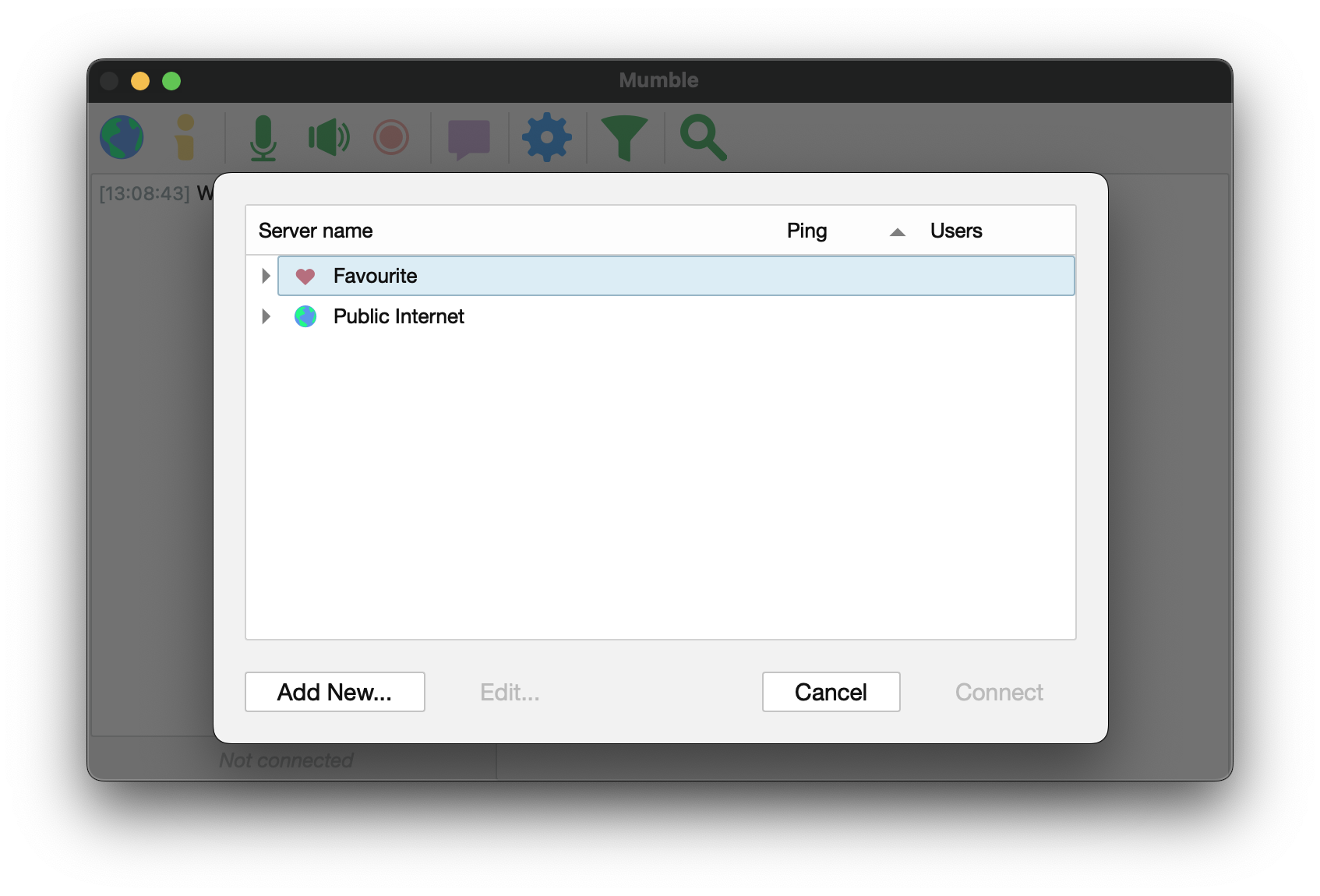
Select Add New…
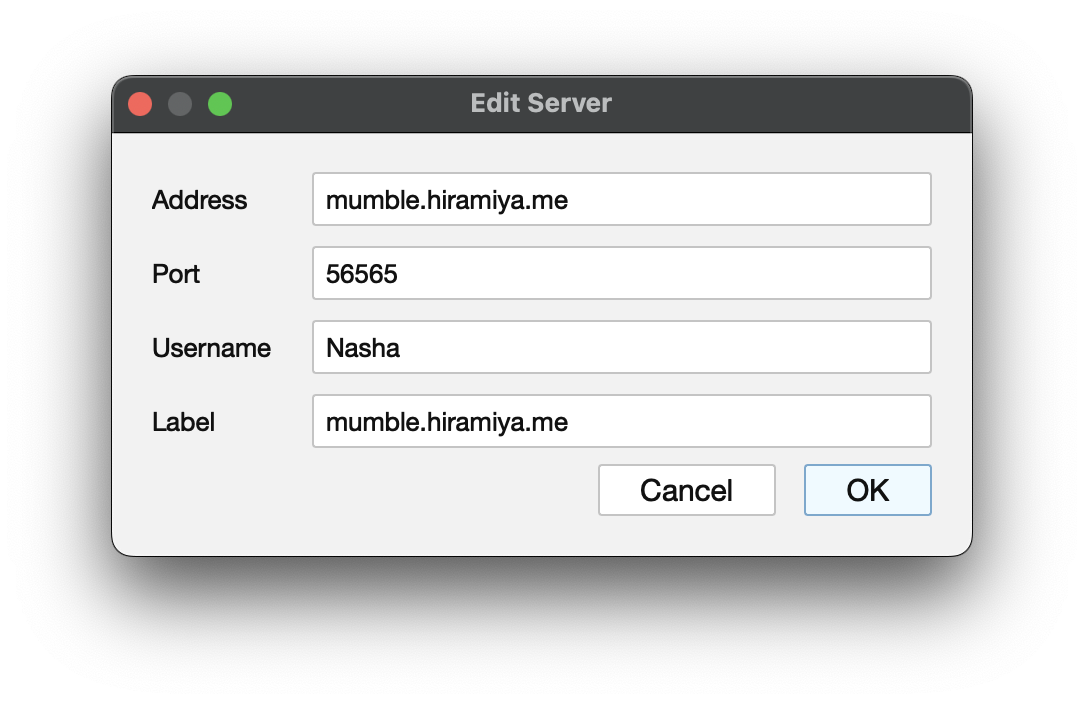
Enter the server details (label can be anything, defaults to address), and your desired username:
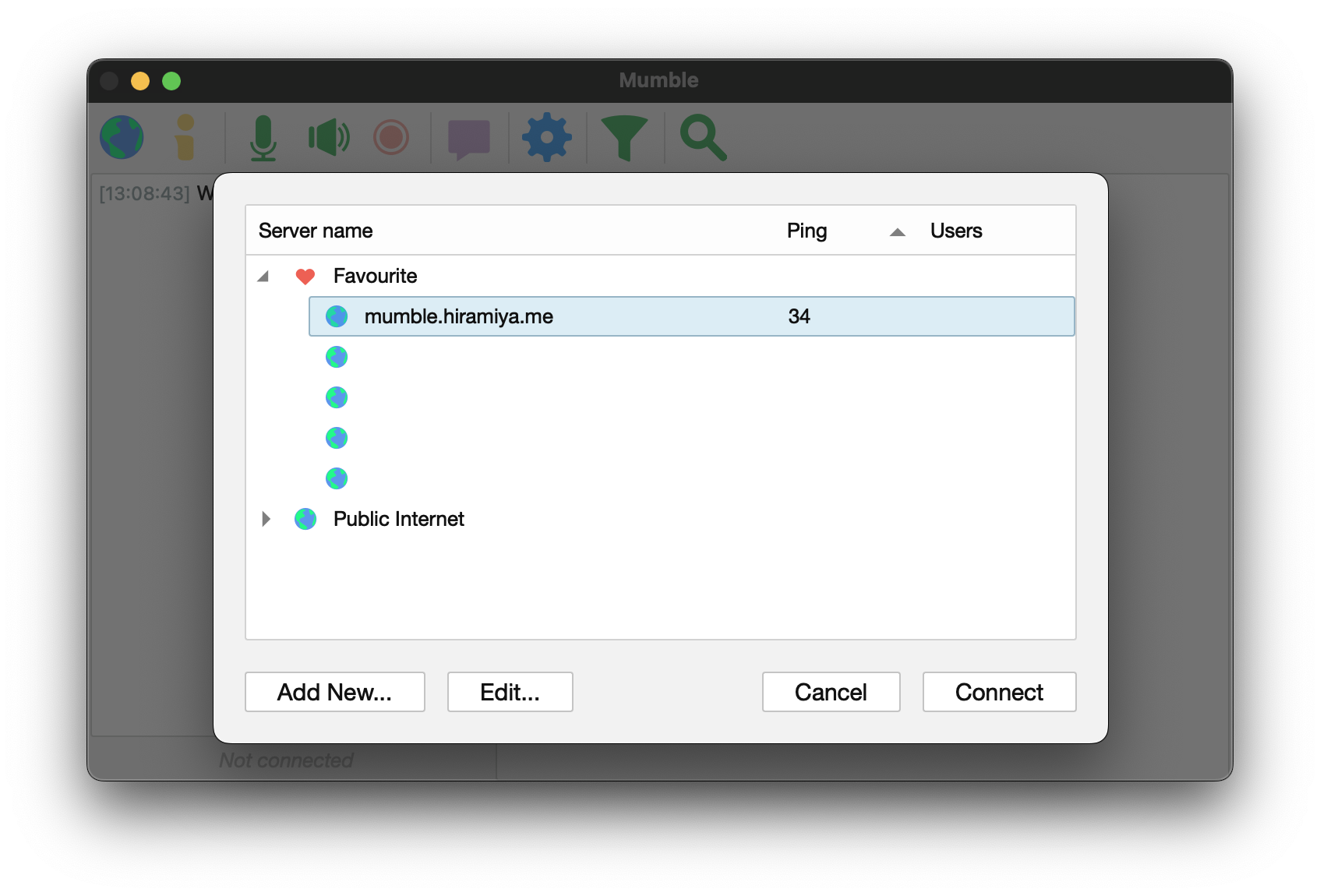
Select the server, and Connect
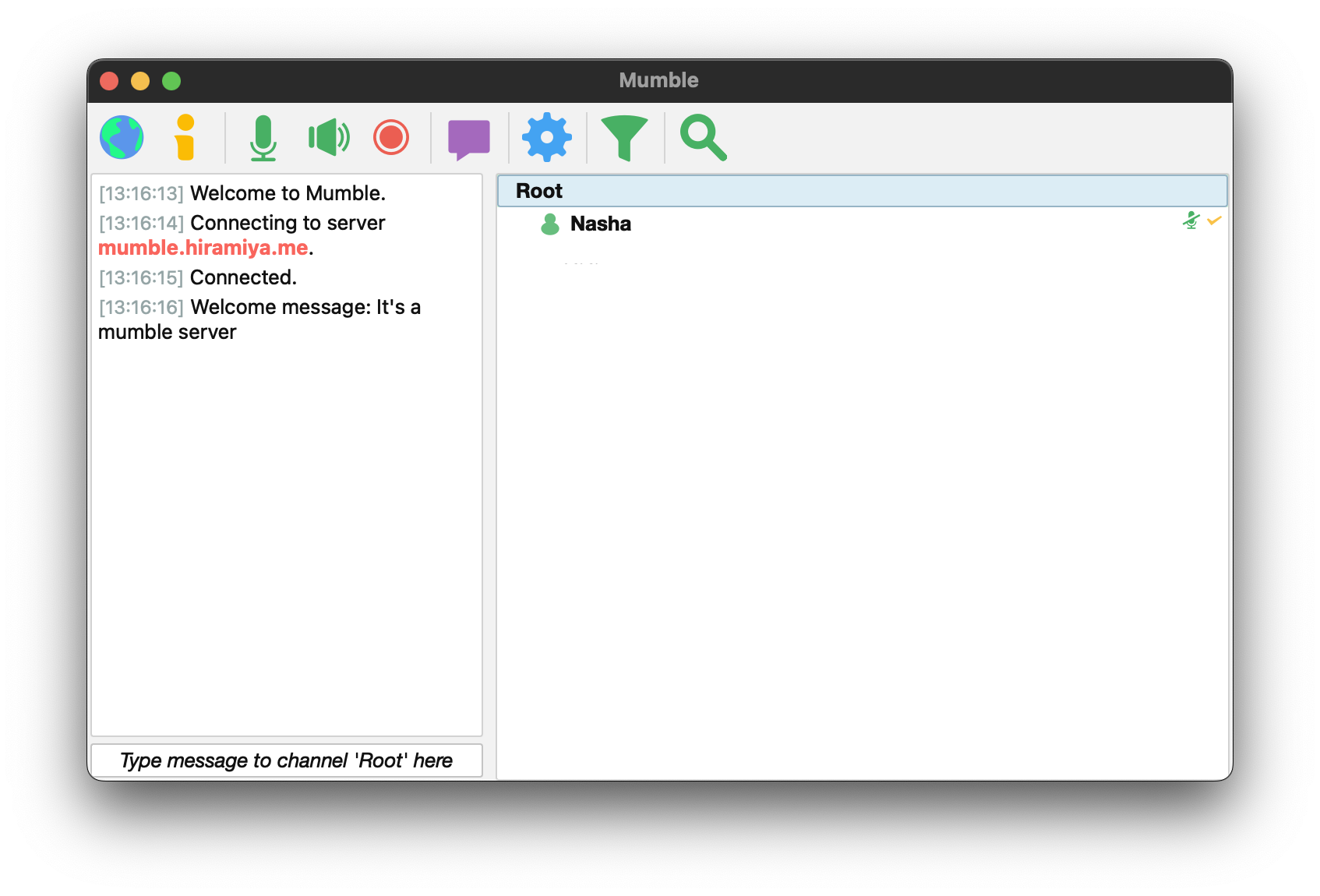
Once connected, you will be in the Root channel
Note that you cannot speak or send messages in the Root channel
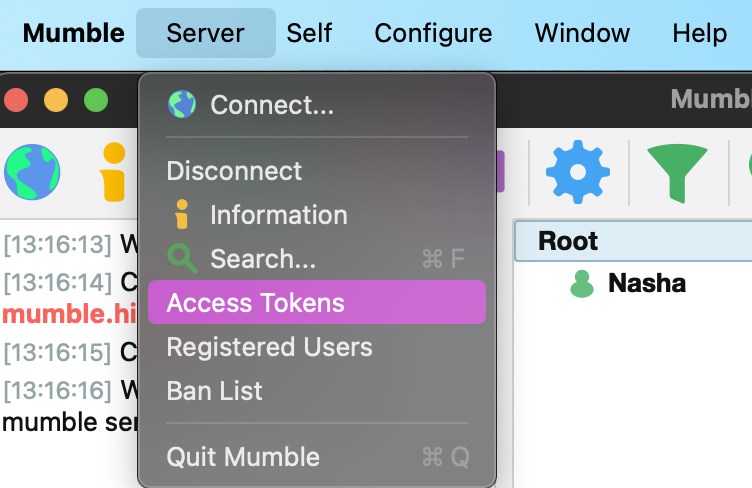
Add the Access Token via Server > Access Tokens
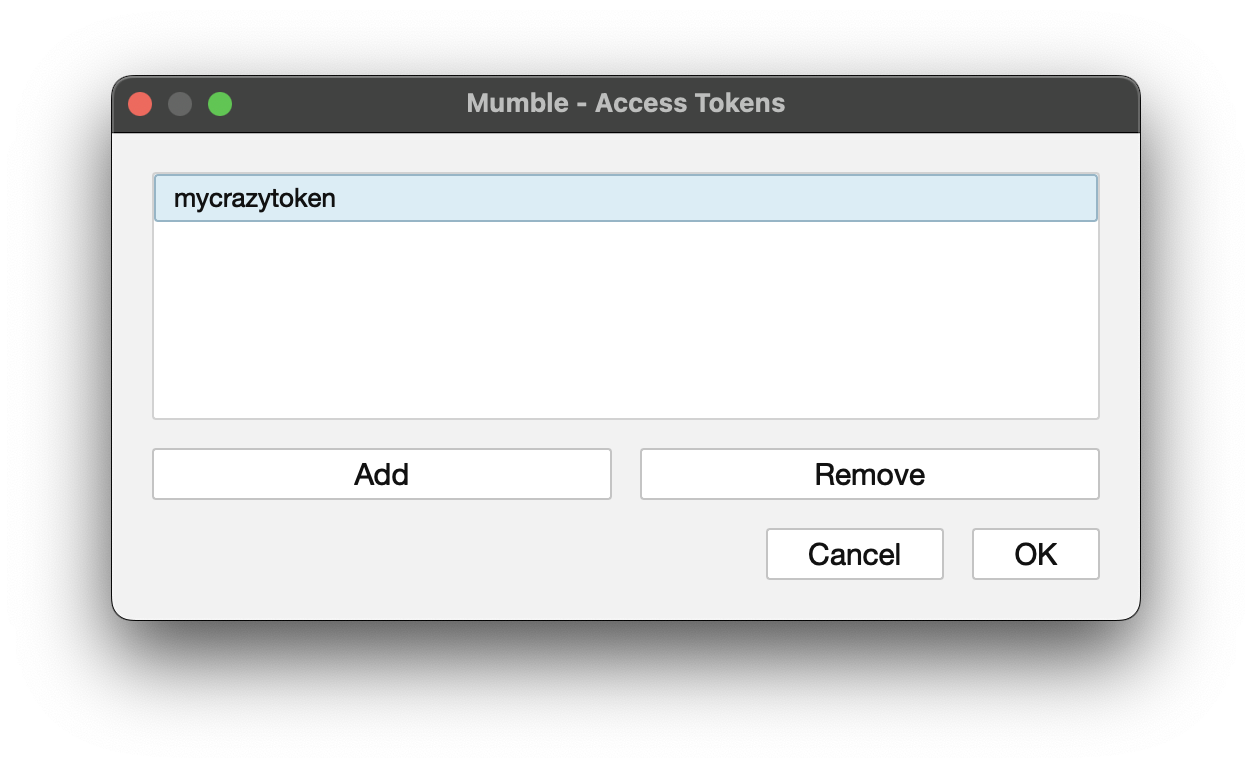
Choose Add and enter the access token. Hit OK and then you can join the appropriate channel(s)